Configure IS as Key Manager
This page explains how to configure WSO2 Identity Server as the Key Manager.
Sign in to the Identity Server
- Go to the Admin Portal of API Manager at
https://<APIM_HOST>:9443/admin. - Use the default super admin credentials and sign in.
- Username: [email protected]
- Password: wso2123
Add New Key Manager
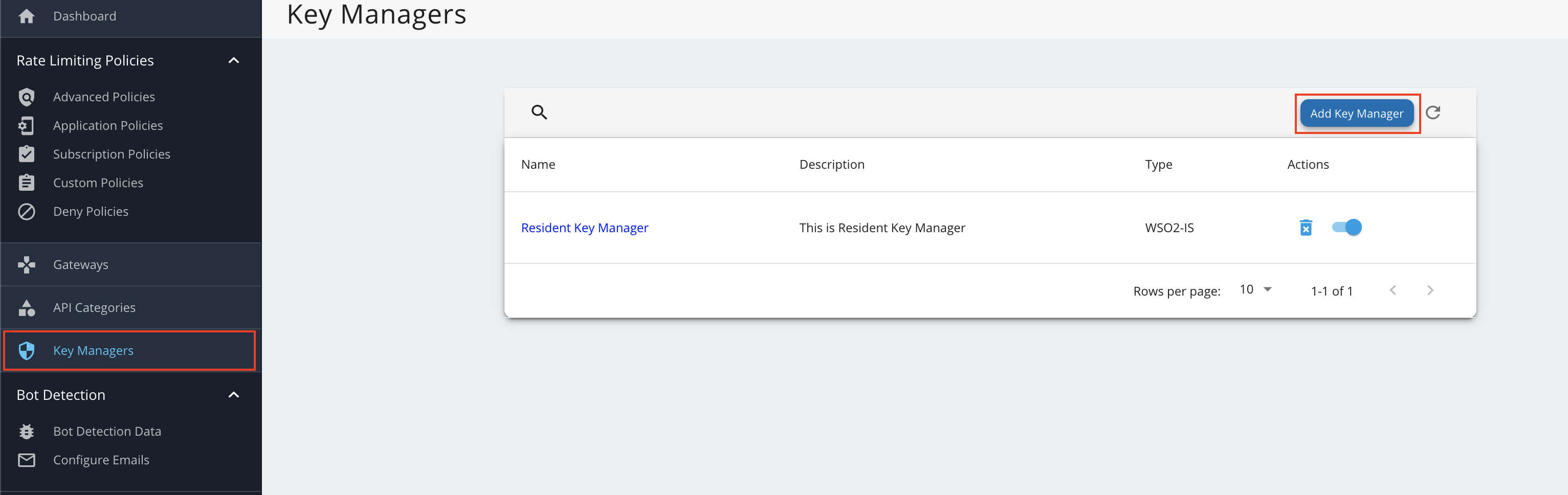
- Go to Key Manager on the left main menu.
-
Click Add New Key Manager and configure Key Manager.
Click here to see the full list of configurations...
Configuration Description Value Name The name of the authorization server. OBKM Display Name A name to display on the UI. OBKM Description The name of the authorization server. (Optional) Key Manager Type The type of the Key Manager to be selected. Select ObKeyManagerWell-known-url The well-known URL of the authorization server (Key Manager). https://<IS_HOST>:9446/oauth2/token/.well-known/openid-configurationIssuer The issuer that consumes or validates access tokens. https://<IS_HOST>:9446/oauth2/tokenKey Manager Endpoints Client Registration Endpoint The endpoint that verifies the identity and obtain profile information of the end-user based on the authentication performed by an authorization server. https://<IS_HOST>:9446/keymanager-operations/dcr/registerIntrospection Endpoint The endpoint that allows authorized protected resources to query the authorization server to determine the set of metadata for a given token that was presented to them by an OAuth Client. https://<IS_HOST>:9446/oauth2/introspectToken Endpoint The endpoint that issues the access tokens. https://<IS_HOST>:9446/oauth2/tokenRevoke Endpoint The endpoint that revokes the access tokens. https://<IS_HOST>:9446/oauth2/revokeUserinfo Endpoint The endpoint that allows clients to verify the identity of the end-user based on the authentication performed by an authorization server, as well as to obtain basic profile information about the end-user. https://<IS_HOST>:9446/oauth2/userinfo?schema=openidAuthorize Endpoint The endpoint used to obtain an authorization grant from the resource owner via the user-agent redirection. https://<IS_HOST>:9446/oauth2/authorizeScope Management Endpoint The endpoint used to manage the scopes. https://<IS_HOST>:9446/api/identity/oauth2/v1.0/scopesConnector Configurations Username The username of an admin user who is authorized to connect to the authorization server. Password The password corresponding to the latter mentioned admin user who is authorized to connect to the authorization server. Claim URIs Consumer Key Claim URI The claim URI for the consumer key. (Optional) Scopes Claim URI The claim URI for the scopes (Optional) Grant Types The supported grant types. According to your open banking specification, add multiple grant types by adding a grant type press Enter. Add the client_credentials,authorization_code,refresh_token, andurn:ietf:params:oauth:grant-type:jwt-bearergrant types.(Mandatory) Certificates PEM Either copy and paste the certificate in PEM format or upload the PEM file. (Optional) JWKS The JSON Web Key Set (JWKS) endpoint is a read-only endpoint. This URL returns the Identity Server's public key set in JSON web key set format. This contains the signing key(s) the Relying Party (RP) uses to validate signatures from the Identity Server. https://<IS_HOST>:9446/oauth2/jwksAdvanced Configurations Token Generation This enables token generation via the authorization server. (Mandatory) Out Of Band Provisioning This enables the provisioning of Auth clients that have been created without the use of the Developer Portal, such as previously created Auth clients. (Mandatory) Oauth App Creation This enables the creation of Auth clients. (Mandatory) Token Validation Method The method used to validate the JWT signature. Self Validate JWT The kid value is used to validate the JWT token signature. If the kid value is not present, gateway_certificate_aliaswill be used.(Mandatory) Use introspect The JWKS endpoint is used to validate the JWT token signature. - Token Handling Options This provides a way to validate the token for this particular authorization server. This is mandatory if the Token Validation Method is introspect. (Optional) REFERENCE The tokens that match a specific regular expression (regEx) are validated. e.g., [0-9a-fA-F]{8}-[0-9a-fA-F]{4}-[1-5][0-9a-fA-F]{3}-[89abAB][0-9a-fA-F]{3}-[0-9a-fA-F]{12}(Optional) JWT The tokens that match a specific JWT are validated. Select this icon CUSTOM The tokens that match a custom pattern are validated. (Optional) Claim Mappings Local and remote claim mapping. (Optional) -
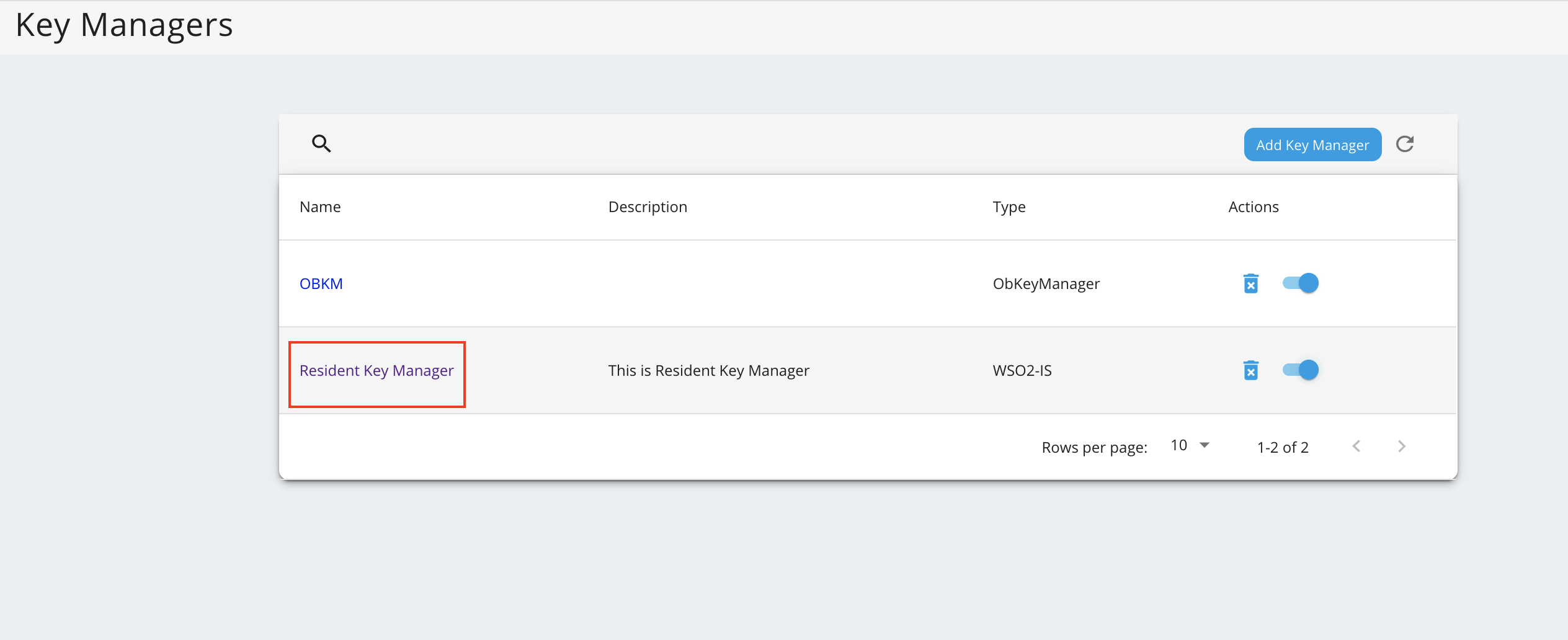
Go to the list of Key Managers and select Resident Key Manager.
-
Locate Connector Configurations and provide a username and a password for a user with super admin credentials.
-
Click Update.
-
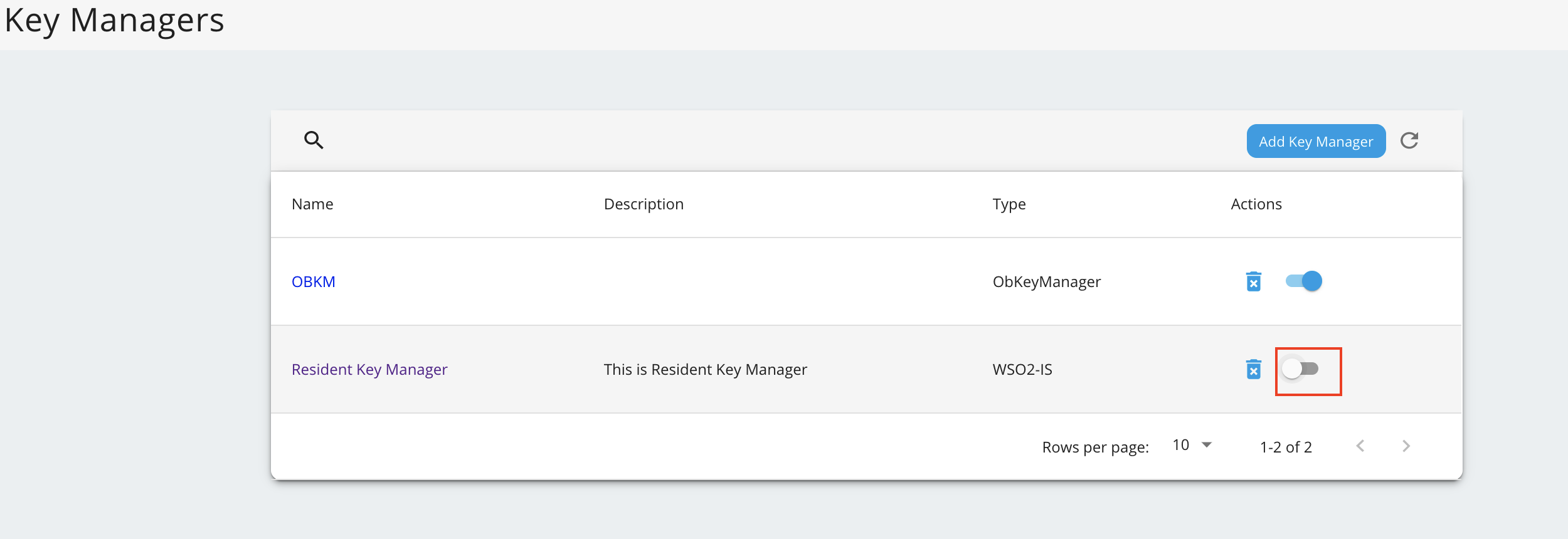
Disable the Resident Key Manager.